
 00:50
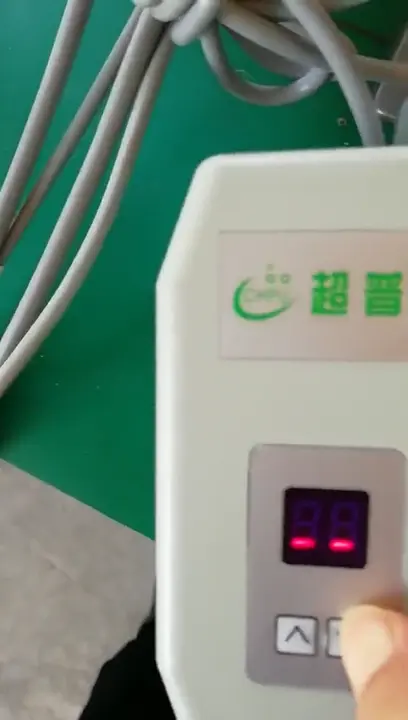
Integrated motor: speed and rotation
Get to know the panel and see how to adjust speed and rotation direction.
Watch tutorialSERVICE CENTER
From your first setup to everyday use.
Find the right tutorial and documentation for your motor.
Choose your series for practical demonstrations of speed and rotation settings.
00:50Get to know the panel and see how to adjust speed and rotation direction.
Watch tutorial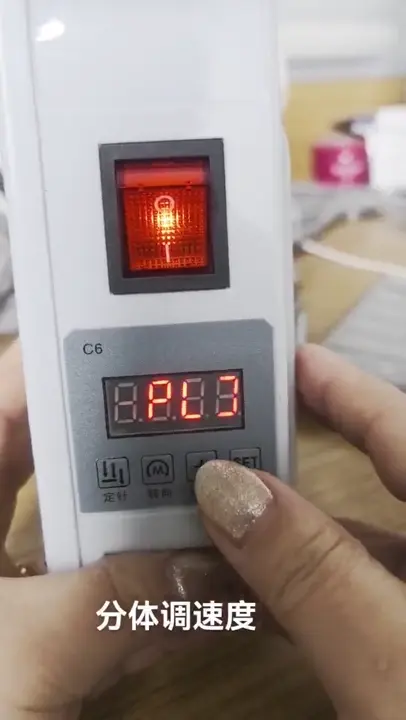 01:05
Follow a practical demonstration of speed adjustment on the B split motor.
Watch tutorial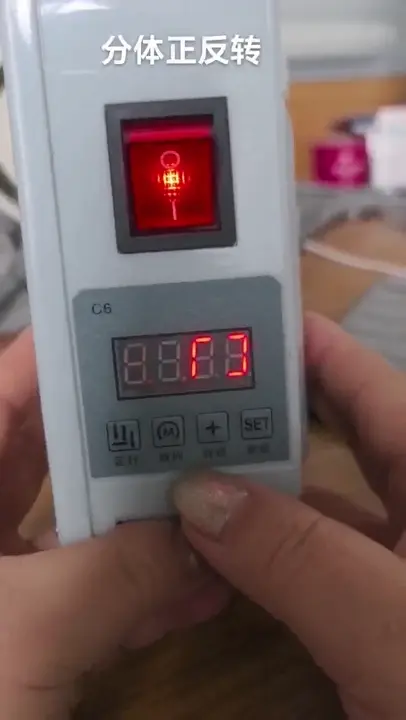 00:24
See how to set the rotation direction on the B split motor.
Watch tutorial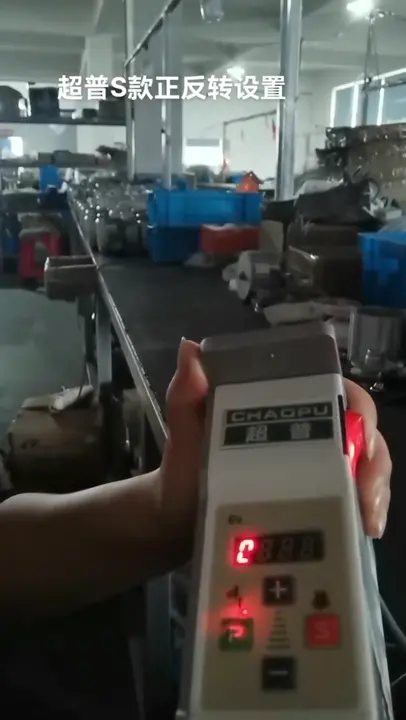 00:49
See how to set rotation direction on the S split control panel.
Watch tutorialCheck your model and control panel to choose the right manual. Read online or download the original PDF.
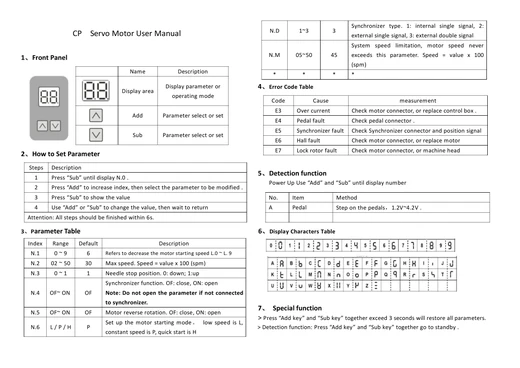
Two-digit display · Parameters and error codes
PDF · 1 pages · 113 KB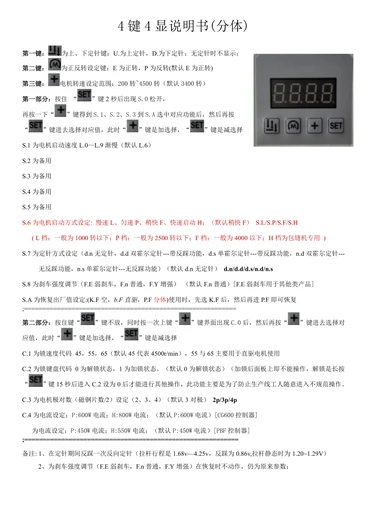
Four-key, four-digit panel · Split / direct-drive parameters and error codes
PDF · 3 pages · 76 KB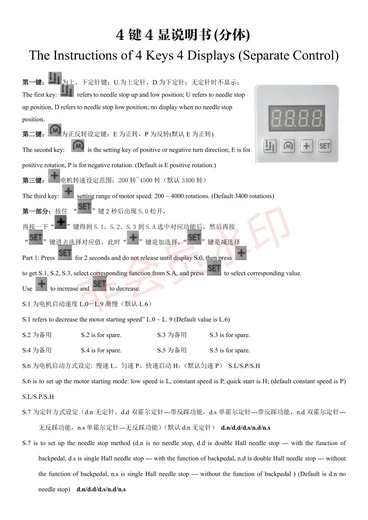
Four-key, four-digit panel · Bilingual operating instructions
PDF · 2 pages · 251 KB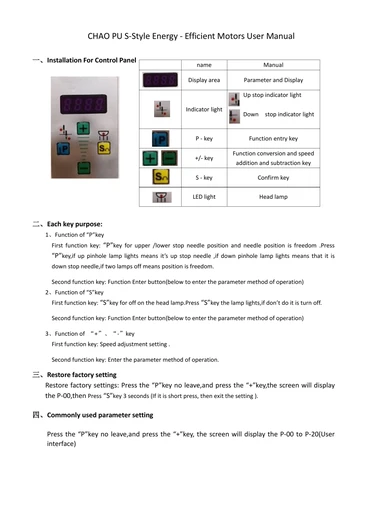
P / S / + / − panel · Parameters and error codes
PDF · 2 pages · 30 KB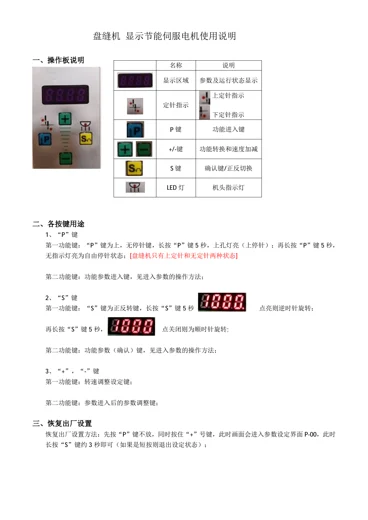
Confirm your model first, then find the instructions for your equipment.
Check the motor and controller model, then compare the display and button layout. The integrated two-digit display, B four-key panel and S P / S panel use different parameters. Follow the manual for your version.
Find your manualTutorials cover the integrated, B split and S split models separately. Buttons and settings differ between panels. Confirm your series and watch its tutorial.
Find the matching tutorialIn the B four-key, four-digit manual, C.2 controls the keyboard lock: 0 is unlocked and 1 is locked. The manual describes holding SET for 15 seconds to access C.2 and unlock the panel. Check your panel and manual version first.
Read the B split manualError codes have different meanings across series. Record the full code and check the error table in the matching manual. Disconnect power before checking external connections. Contact a technician for internal controller work or unresolved faults.
Contact after-sales supportYes. The online reader supports page navigation and zoom. Download PDF saves the original file. Some phones open a PDF preview first; use your browser’s download or save option to keep a copy.
Prepare the motor and controller model, nameplate and panel photos, error code or a short video. Describe the equipment and how the problem occurred. Purchase information also helps identify the product. Our team will confirm repair options and any costs.
For further help, get in touch with our team.
TECHNICAL & AFTER-SALES CONTACT
137 2121 5116Ms. Zhou
174363960@qq.com
Scan to add us and send your model and issue photos.